
A free, open-source app for Apple Silicon MacsFree and open source, for Apple Silicon

Guild Wars 2, at home on your Mac.

GW2 on Mac installs the game through Steam or ArenaNet's own installer, on a tuned Wine with Direct3D 11 straight to Metal. Your account, your install, no tinkering.GW2 on Mac installs the game through Steam or ArenaNet's own installer, on a tuned Wine with Direct3D 11 straight to Metal.

First release coming soon · macOS 26 or later

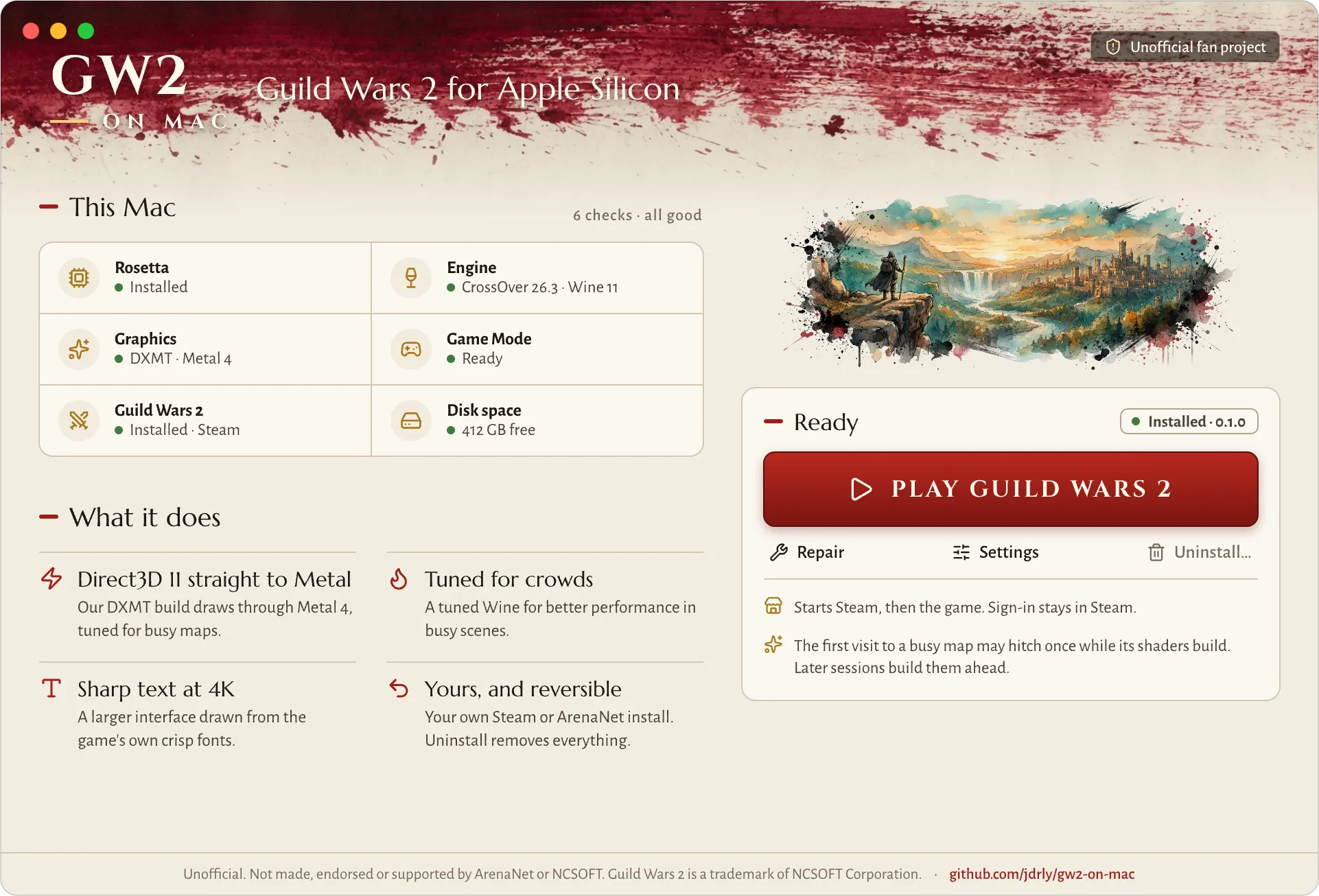
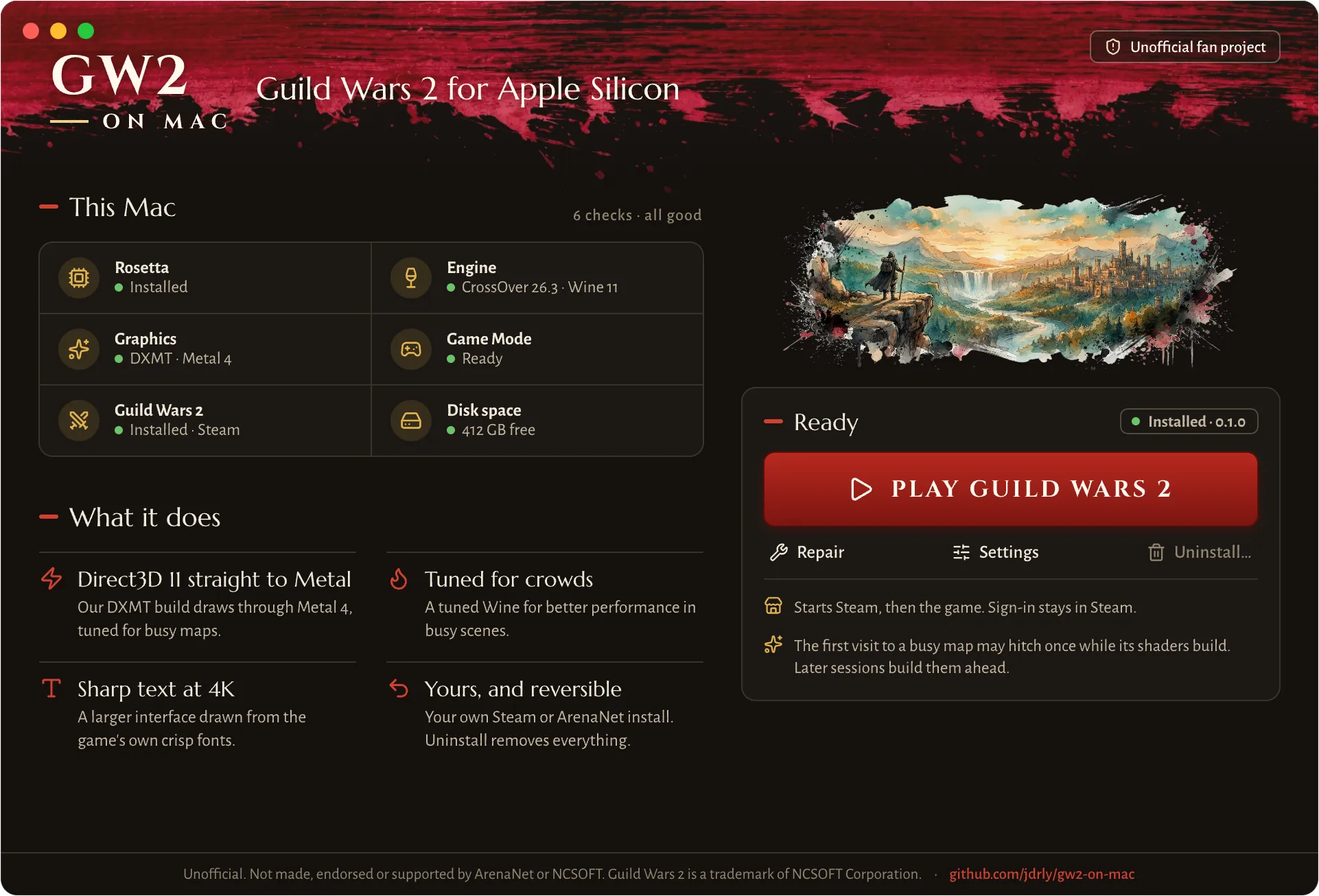
The GW2 on Mac window: This Mac with six checks all good, What it does, and the Play Guild Wars 2 button

Features

What it does

  • Direct3D 11 straight to Metal

    Our own build of DXMT draws the game through Metal 4, tuned for GW2's busy maps.

  • Tuned for crowds

    A tuned Wine for better performance in busy scenes like Lion's Arch and metas.A tuned Wine for better performance in busy scenes.

  • Fewer shader hitches

    The app remembers what your sessions built and prepares it before the game asks.The app prepares what your sessions built before the game asks.

  • Sharp text at 4K

    An optional larger interface drawn from the game's own crisp fonts.An optional larger interface from the game's own fonts.

  • Game Mode and Retina

    macOS gives the game priority in full screen, at your display's full resolution.Priority in full screen, at your display's full resolution.

  • Updates and logs

    The app keeps itself current, and Collect Logs makes bug reports one click.Keeps itself current; Collect Logs makes bug reports one click.

Install

Two ways in. Both stay yours.

Through Steam

For the Steam edition of Guild Wars 2.

  1. Download the .dmgDrag GW2 on Mac to Applications and open it.Download the .dmg, drag it to Applications
  2. Choose Steam, click InstallIt sets up its engine, then downloads Steam's installer from Valve.Choose Steam, click Install
  3. Sign in, install the gameSteam opens. Sign in and install Guild Wars 2. Your login stays in Steam.Sign in to Steam and install the game
  4. Click PlaySteam starts the game on GW2 on Mac's engine.Click Play

With ArenaNet's installer

For an account bought from ArenaNet.

  1. Download the .dmgDrag GW2 on Mac to Applications and open it.Download the .dmg, drag it to Applications
  2. Get the official installerDownload Gw2Setup-64.exe from guildwars2.com.Get Gw2Setup-64.exe from guildwars2.com
  3. Drop it in, click InstallGW2 on Mac runs ArenaNet's installer in its own bottle.Drop it in, click Install
  4. Click PlayLog in in ArenaNet's launcher, as on Windows.Click Play and log in

Requirements

Chip
Apple Silicon (M1 or later)Apple Silicon
macOS
26 or later
Rosetta
Installed for you if missingInstalled if missing
Disk
About 75 GB free for the gameAbout 75 GB free
Account
Your own, Steam or ArenaNetSteam or ArenaNet

Every game download comes from Valve or ArenaNet. GW2 on Mac hosts nothing of the game.

Safety

Is it safe?

  • Not a game mod

    It runs the official game unchanged, on a compatibility layer like CrossOver or Proton. Nothing touches gameplay or network traffic.The official game runs unchanged, on a compatibility layer.

  • Your account stays yours

    You sign in to Steam or ArenaNet yourself. GW2 on Mac never sees your password, and Collect Logs leaves account data out.You sign in yourself; logs leave account data out.

  • One optional extra, off by default

    The sharper-interface addon changes the game's memory. It's off until you turn it on and accept the warning.The interface addon is off until you accept its warning.

Does ArenaNet support this?

No. GW2 on Mac is an unofficial fan project. Please don't contact ArenaNet support about it; ask on Discord or GitHub instead.

Which Macs and macOS versions?

A Mac with Apple Silicon (M1 or later) on macOS 26 or later. The game runs through Rosetta, which GW2 on Mac installs for you if it's missing. Intel Macs aren't supported.

How fast is it?

It depends on the scene. In big crowds, like Lion's Arch or a busy meta, the limit is the game's own main thread, which runs under Rosetta, so a faster GPU doesn't help much there.

I don't give FPS numbers: they change too much from one Mac and one scene to the next.

Can I use arcdps or other addons?

Addons that install as a d3d11.dll, like arcdps, work: they load first and pass the game's calls on to GW2 on Mac's Direct3D 11. Blish HUD isn't supported yet.

What happens to my game when I uninstall?What happens when I uninstall?

Uninstall removes the app's bottle, and the game files in it go too. To play again later, you'd download the game again. Your account and characters are on ArenaNet's servers and aren't touched.

Releases

Release notes

SoonFirst release

First release coming soon. It will show up here with its notes, and the Download button will work, as soon as it's out on GitHub.

All releases, with their downloads, are on GitHub.